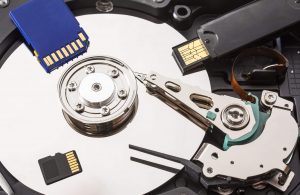

Principles Of Data Recovery Of RAID: We Will Analyze
Read Time:2 Minute, 57 Second
RAID (Redundant Array of Independent Disks) is a technology used to improve the performance, reliability, and storage capacity of data through the combination of multiple hard drives. However, understanding how to recover data from different RAID configurations is crucial, as each RAID setup has its unique principles and challenges in the event of a failure.
RAID 0 (Striping)
RAID 0 offers high performance by dividing data into blocks and spreading it across multiple drives. However, there is no redundancy in this array. If one of the drives fails, the entire array is destroyed. To recover data from a RAID 0 array, the information from the failed drive must be recovered first. Without a backup, data recovery is often complex and difficult.
RAID 1 (Mirroring)
RAID 1 is a mirroring configuration where two drives are identical. Data is written to both disks simultaneously, providing duplication of information. If one drive fails, the data remains intact on the other drive, allowing you to continue accessing the array without data loss. In the event of a controller failure, the disk can be connected directly to recover data.
RAID 10 (RAID 1+0)
RAID 10 is a combination of RAID 1 (mirroring) and RAID 0 (striping), offering both redundancy and high performance. It requires four or more drives. Data is written to mirrored blocks, and if one drive fails, the array can continue to operate. In case of controller failure, it’s important to identify the pairs of drives that make up the stripes. Data can then be read from each pair, similar to a regular RAID 0.
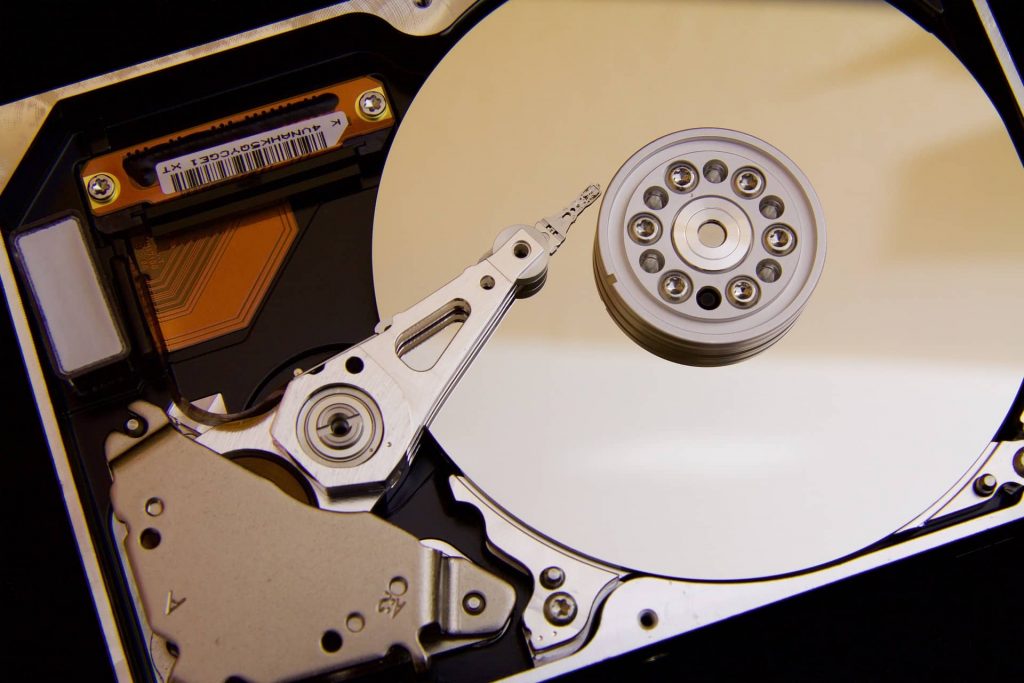
Data Recovery for RAID 10
- Both Drives Fail in One Stripe: If both drives in one stripe fail, the controller should handle the failure correctly, allowing the array to function normally.
- Drives in the Same Stripe Fail, Causing Array Collapse: In this case, you’ll need to programmatically assemble a working stripe to recover the data.
- Drives in Different Stripes Fail: If one disk in one stripe fails and another disk in a different stripe fails, a RAID 0 array can be built from the surviving drives of each stripe.
RAID 5 (Striping with Parity)
RAID 5 uses data striping with parity, distributing both data and parity blocks across at least three disks. The parity allows data to be rebuilt if one drive fails. Failure of a single disk will not result in data loss, and after rebuilding the missing disk, the array will continue to operate normally.
Data Recovery for RAID 5
- One Drive Fails: If only one disk fails, the array can typically be rebuilt after replacing the failed disk. If the rebuild is successful, the array should continue functioning.
- Two Drives Fail Simultaneously: This is a more difficult situation. If two drives fail at the same time, you can first attempt to read information from the surviving drives onto a working disk, then try to rebuild the RAID 0 array.
Data Recovery Challenges
The principles outlined above help guide the process of recovering data from RAID arrays in various scenarios. In some cases, the complexity of RAID arrays and the nature of disk failures require professional data recovery services. Understanding the RAID configuration and the data recovery process can help you assess the situation and take the necessary steps to recover lost data.
In summary, the specific steps and methods for RAID data recovery depend on the RAID level, the type of failure, and the condition of the drives. Properly understanding these principles is crucial for tackling RAID data recovery challenges effectively.


Happy
0 %

Sad
0 %

Excited
0 %

Sleepy
0 %

Angry
0 %

Surprise
0 %
 0
0
 0
0